Blog
Guides and answers about the Burning Bridges AI trend: how to make the video, which photo to use, prompts and adding the sound.
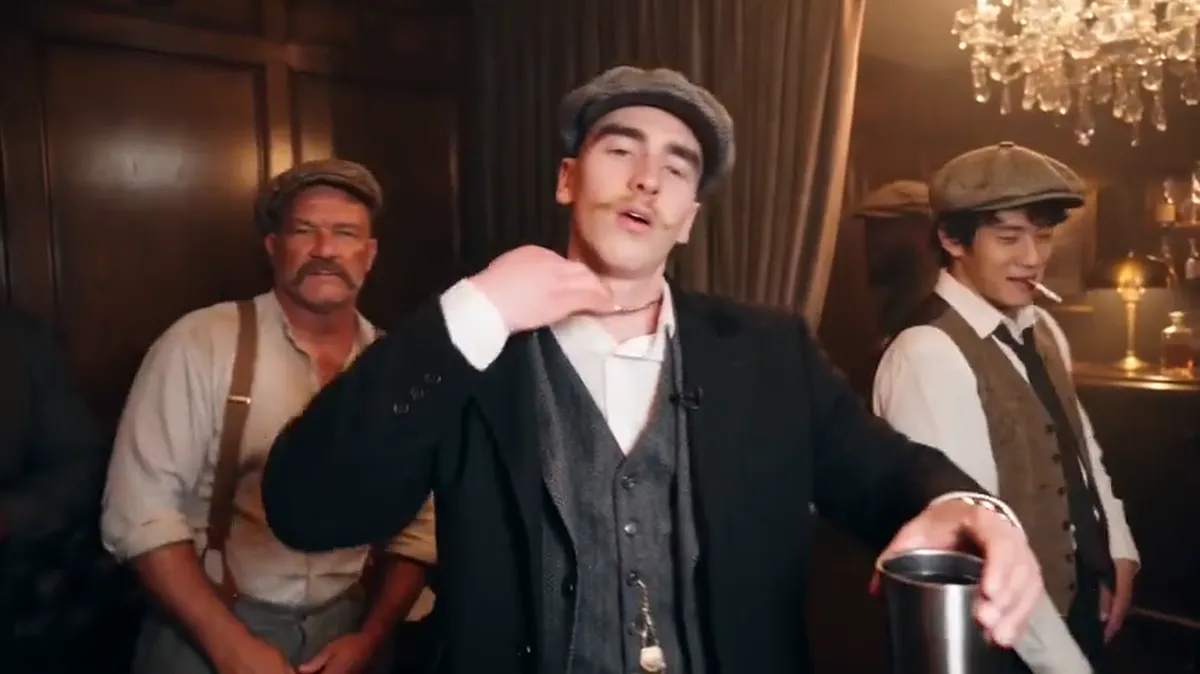
Guide2026/10/10
How to Add the Burning Bridges Sound on TikTok and Instagram
Your Burning Bridges AI video downloads without audio. Here is how to add the Burning Bridges sound from the TikTok or Instagram music library, line it up, and stay on the right side of music rights.
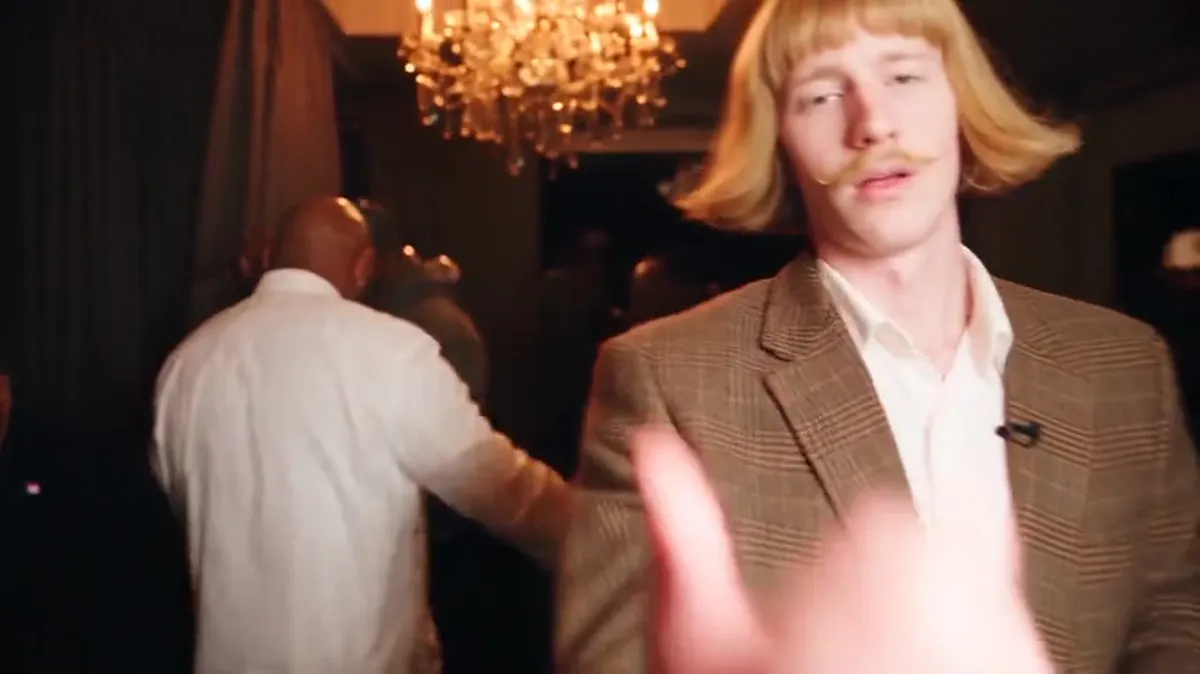
Guide2026/10/10
Burning Bridges AI Prompt: What to Write (and When You Don't Need One)
What a Burning Bridges AI prompt needs to say to keep the moves, lip sync and camera of the party scene, why most prompts fail, and how to skip writing one.
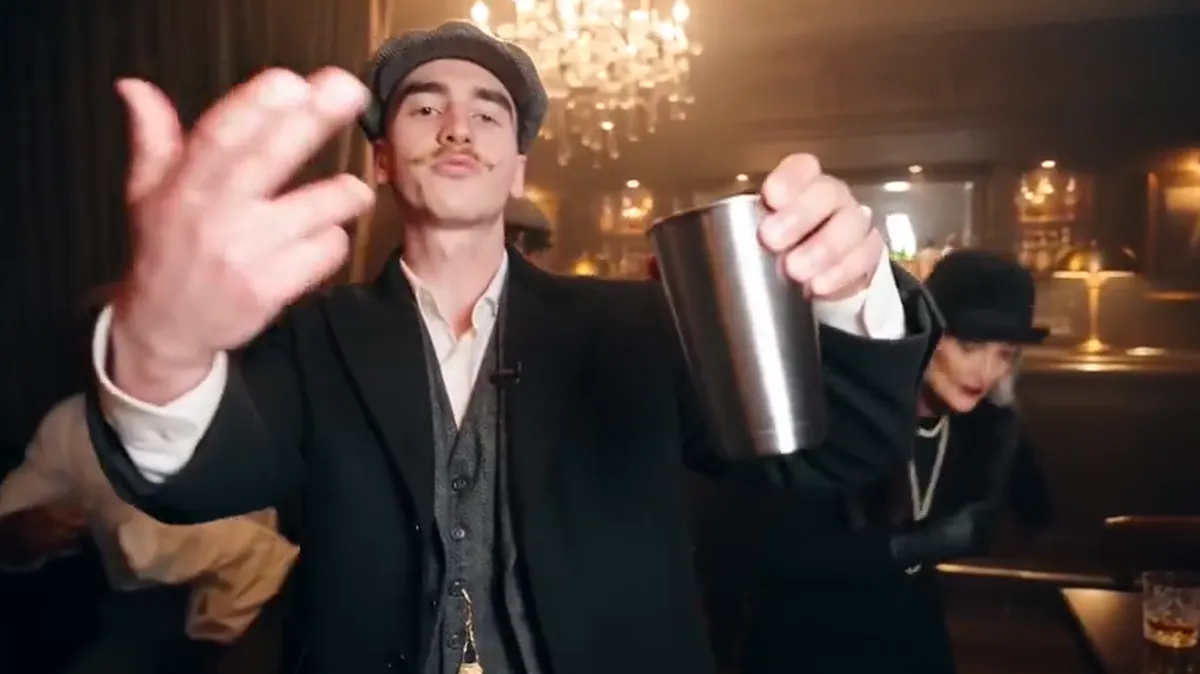
Trend2026/10/10
The Burning Bridges AI Trend Explained
What the Burning Bridges AI trend is, which part of Drake's music video it copies, when it took off, and the ways people put themselves, pets and friends into the party scene.
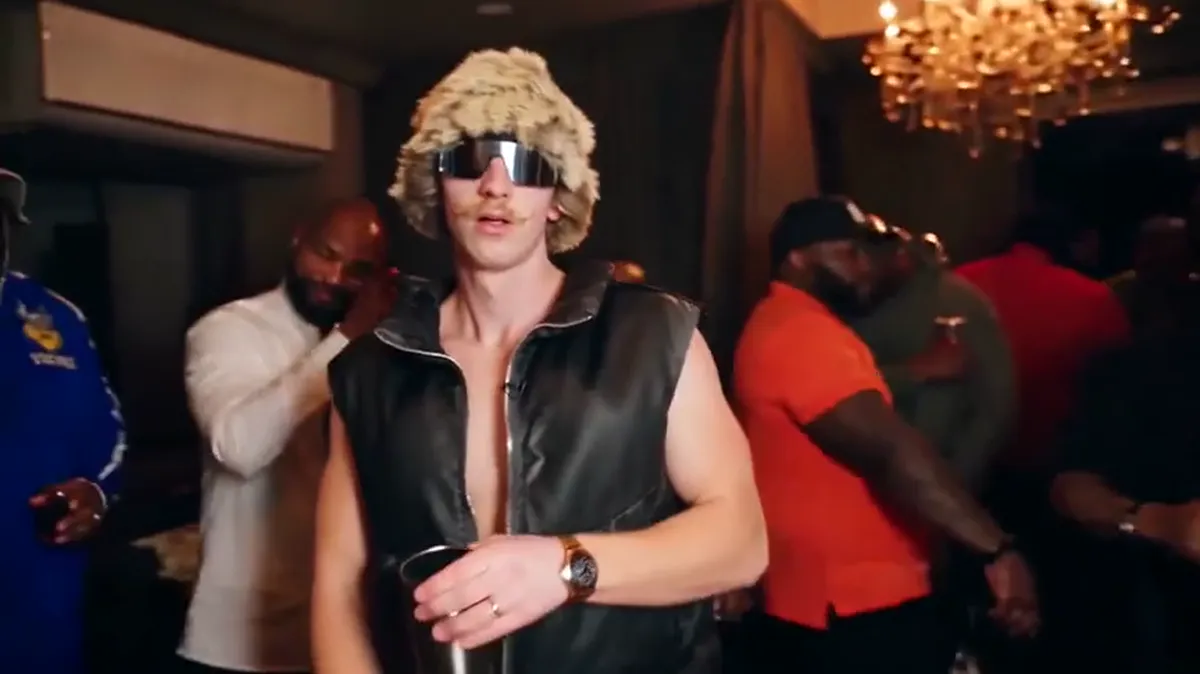
Guide2026/10/10
Is There a Free Burning Bridges AI Video Generator?
An honest answer on free options for the Burning Bridges AI trend. Burning Bridges AI is paid, from $9.99. The free route is a general AI video app with a free quota, and here is what that costs you in time and retries.
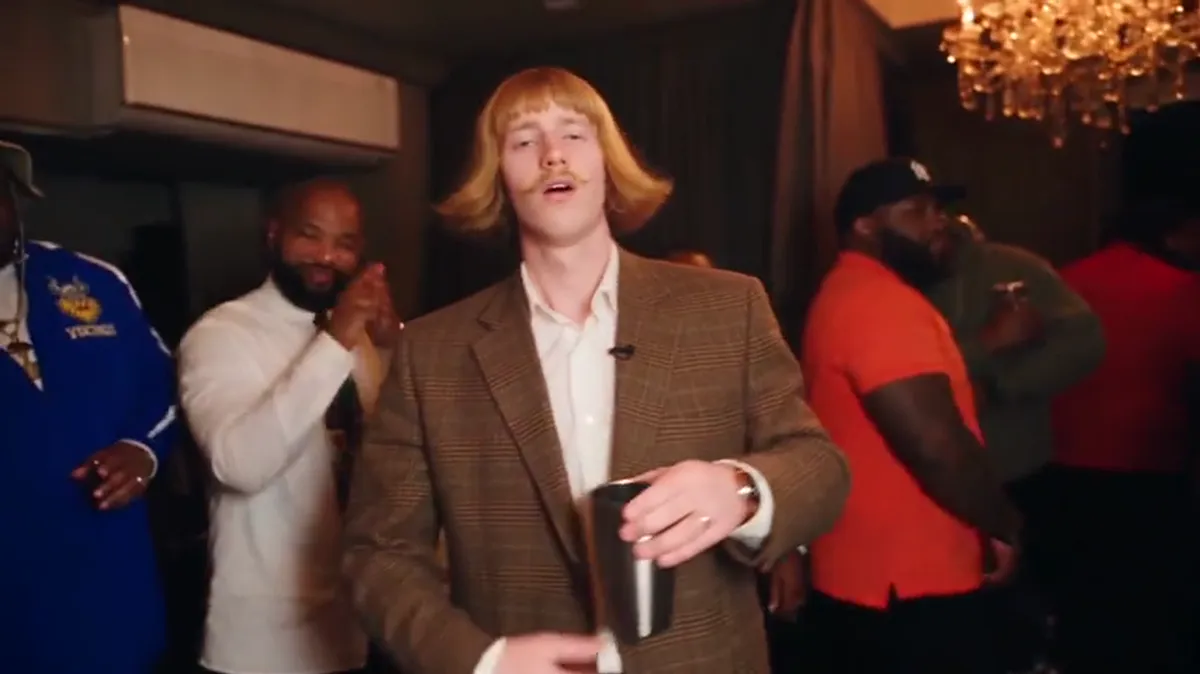
Guide2026/10/10
How to Make a Burning Bridges AI Video (Step by Step)
Make your own Burning Bridges AI video from one photo. Pick 15 or 29 seconds, 480p or 720p, then post it on TikTok or Reels with the Burning Bridges sound.